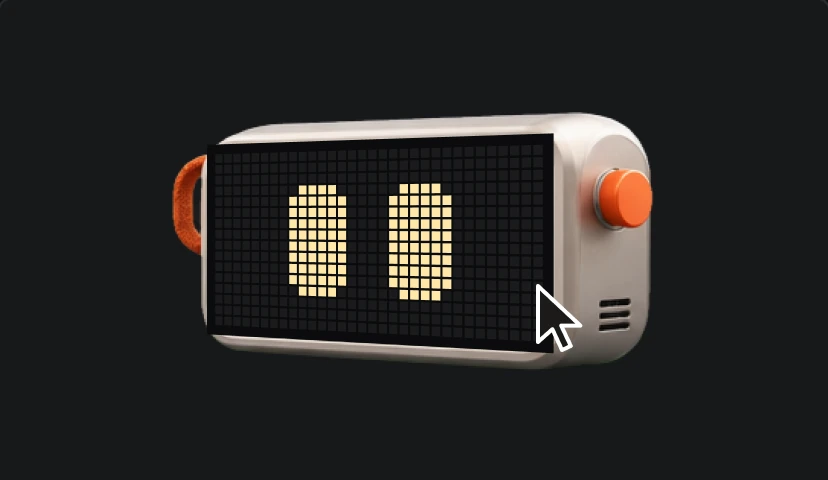
01 Click
Click the avatar
Duo lives in a corner of your screen. Click it to start a chat.
Less busywork, fewer mistakes
Duo does the busywork for you, answers questions about anything on your screen, and catches mistakes before they ship. All without pulling you out of what you are doing.
macOS 14 and later on Apple silicon, free during the beta
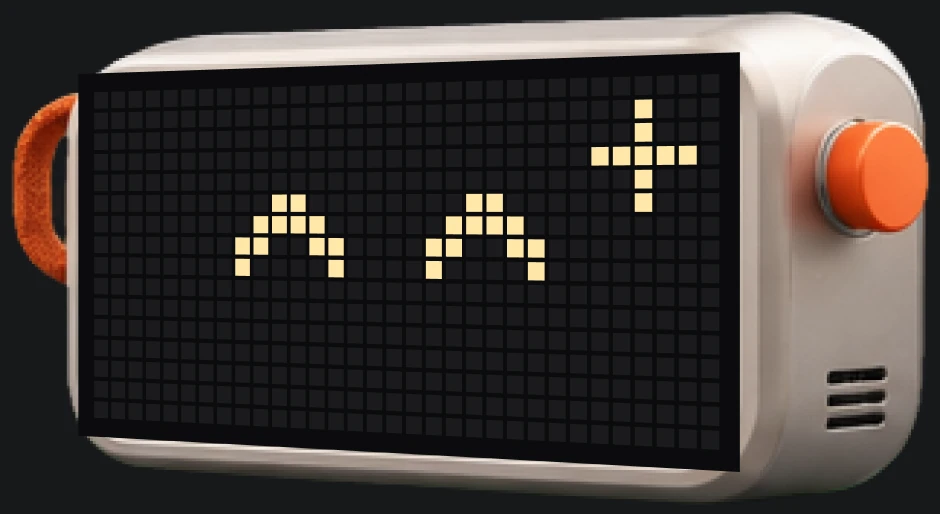
 Idle
 Happy
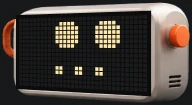 Thinking
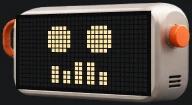 Listening
Inference
Cloud by default, on your Mac when you want
Network
Works offline in local mode
Focus
Works in the background
Models
Fast cloud models, or small open models like Gemma on your Mac
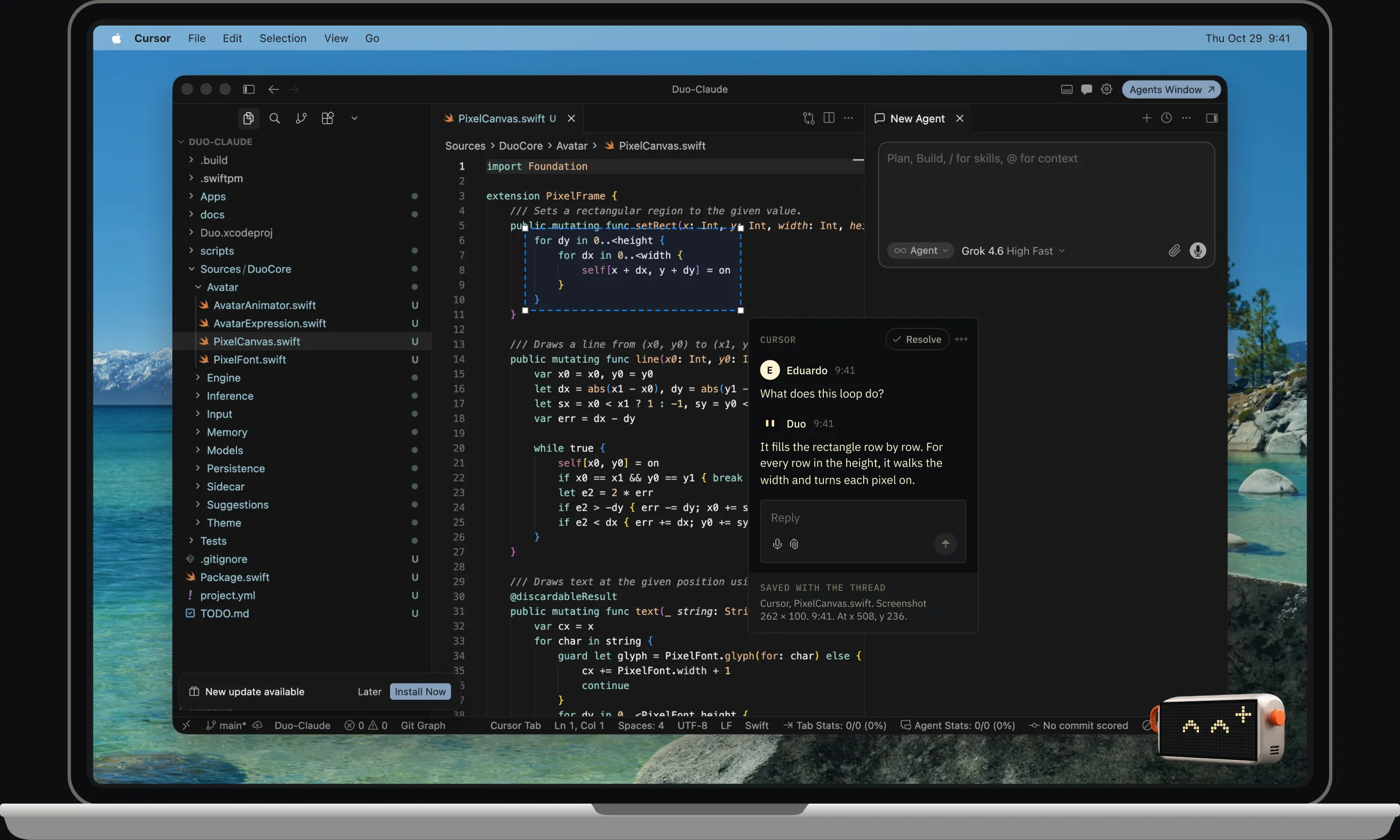
Type, talk or drop in a file. Or press Control C and drag over any part of your screen. Duo answers in a thread pinned to exactly what you selected.
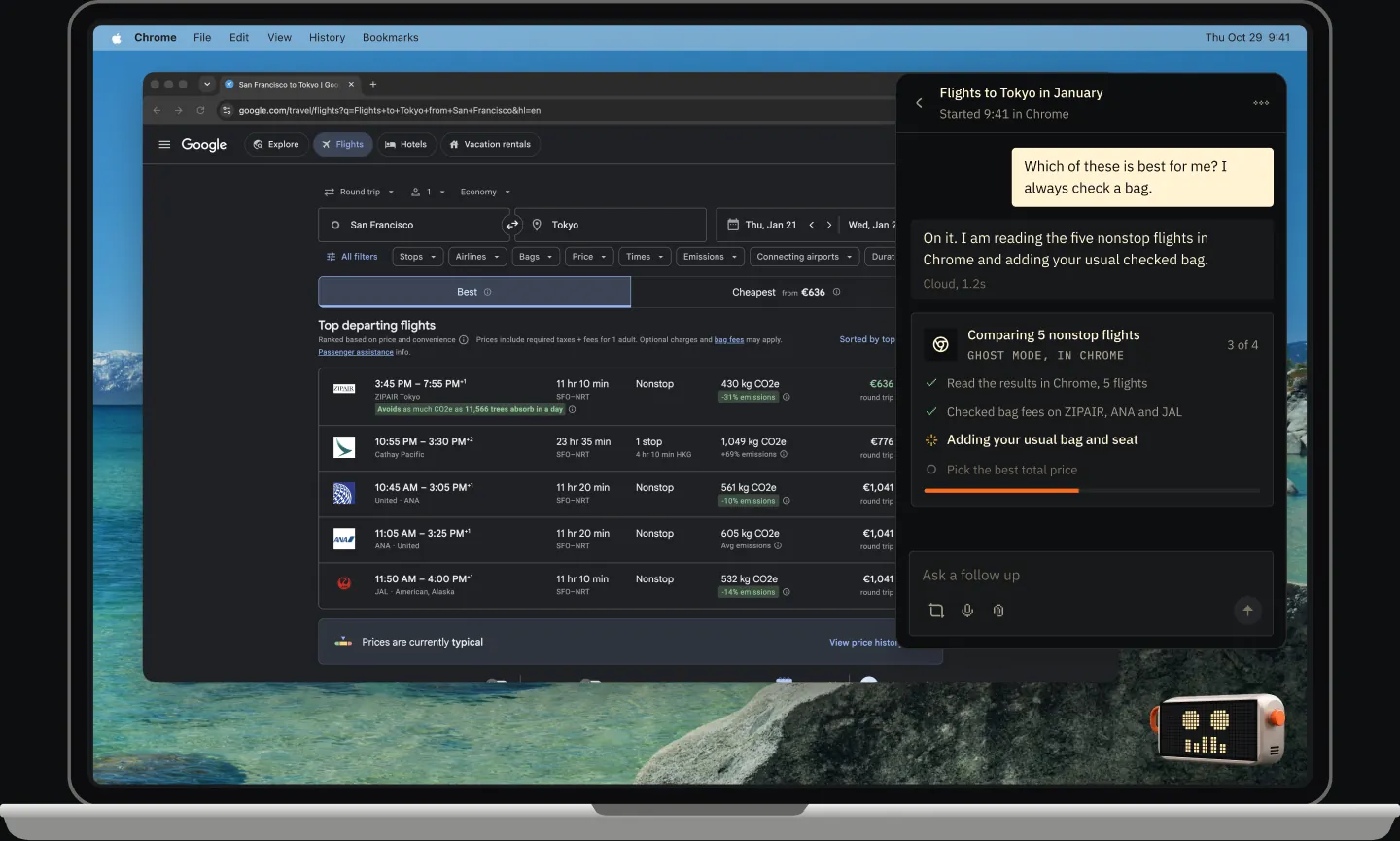
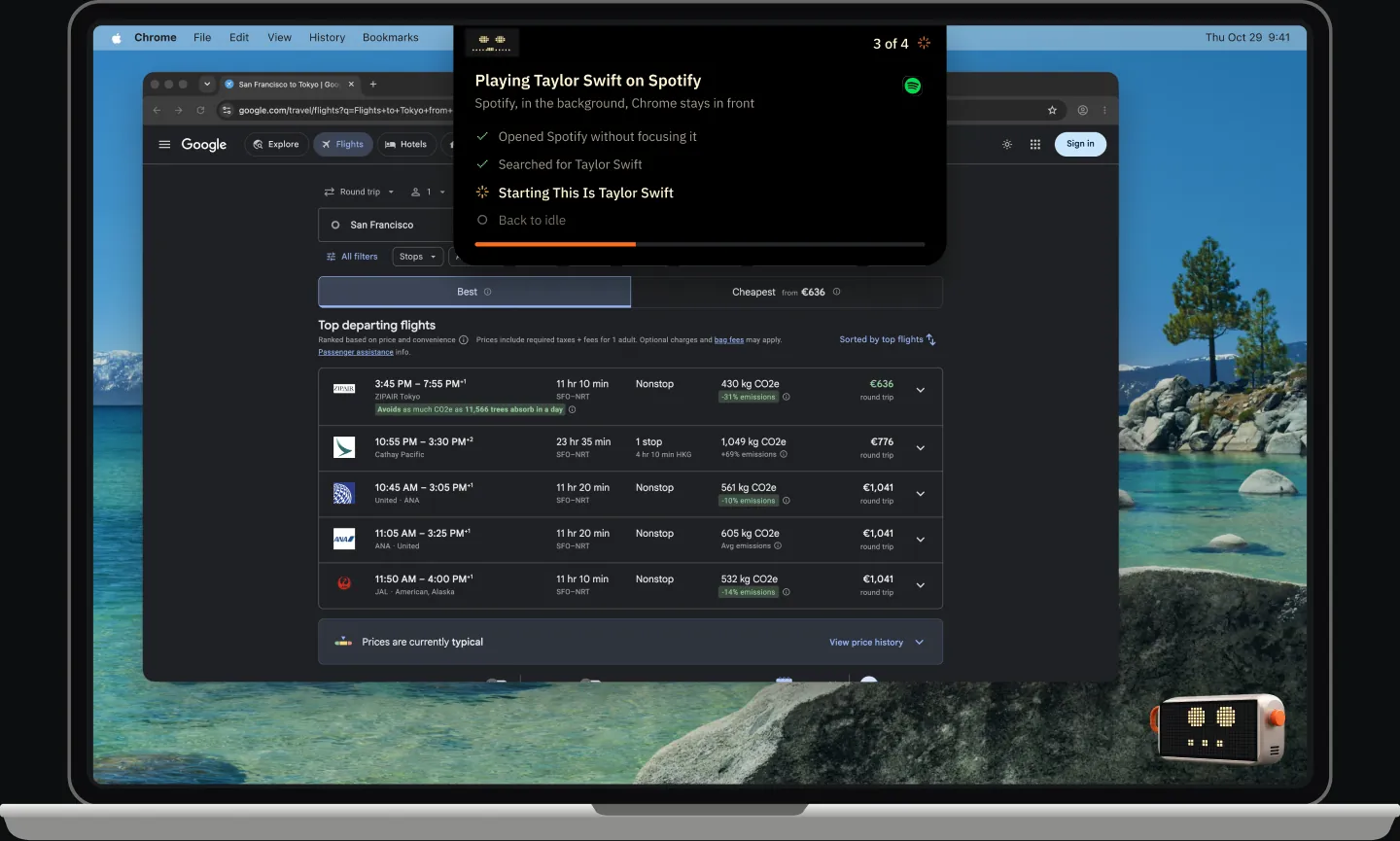
Duo can use your apps for you. Ghost mode works in the background without touching your cursor or keyboard. Show mode puts a second cursor on screen and walks you through each step.
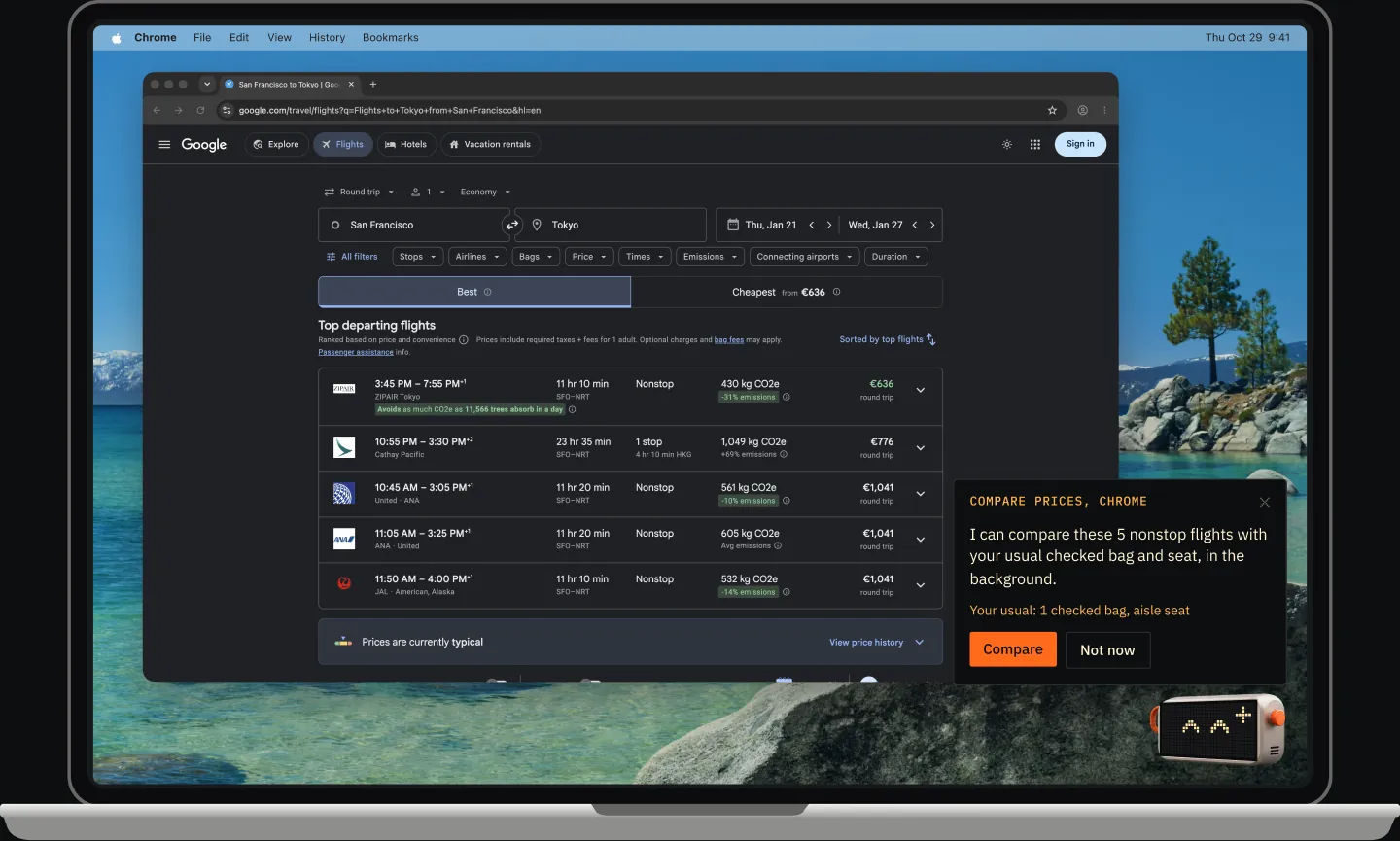
Duo keeps an eye on what you are working on and speaks up when something is off. It flags the details you would miss and offers to take over the menial parts.
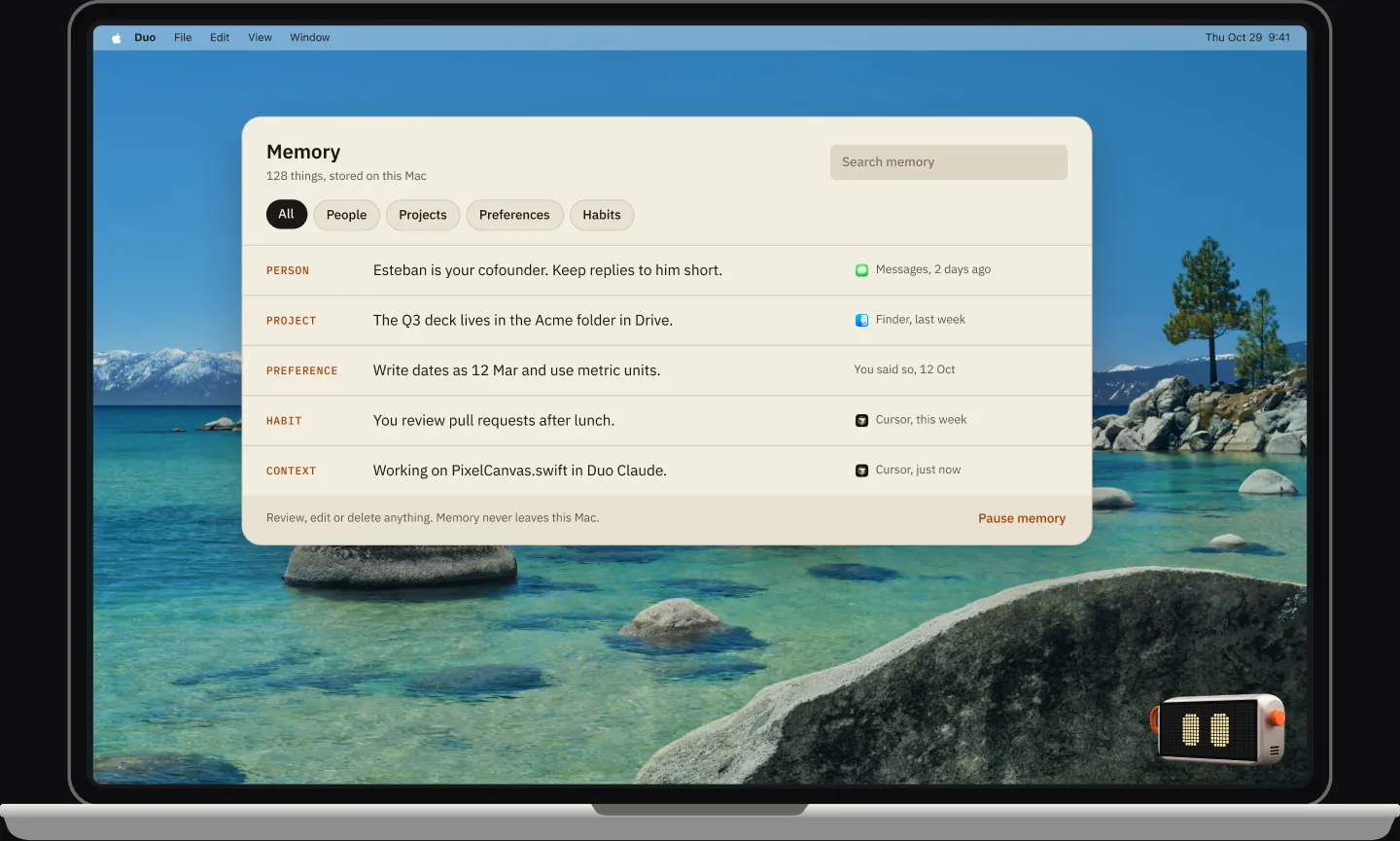
Read, correct or delete anything. Kept on this Mac.
Duo learns your context as you work: people, projects, preferences. Memory is kept on your Mac, where you can read, correct or delete any of it.
Duo waits quietly in a corner of your screen. Wake it with a click, your voice or a quick double tap on the keyboard.
01 Click
Duo lives in a corner of your screen. Click it to start a chat.
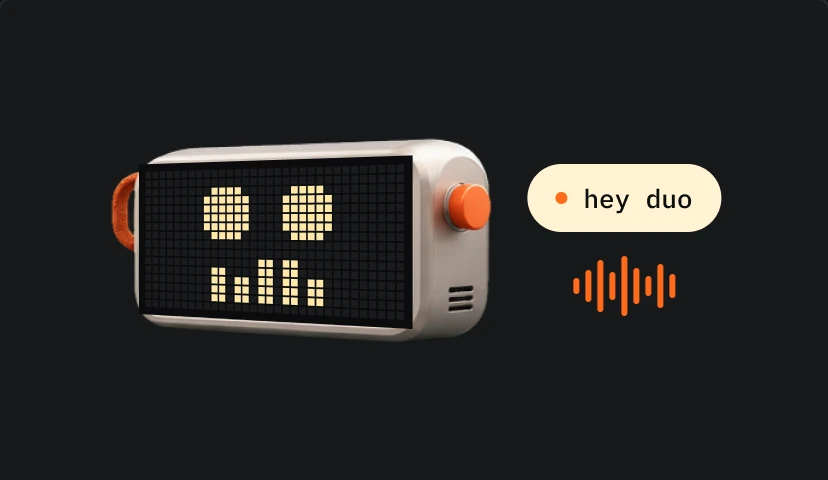
02 Voice
Ask out loud while you keep working, no typing needed.
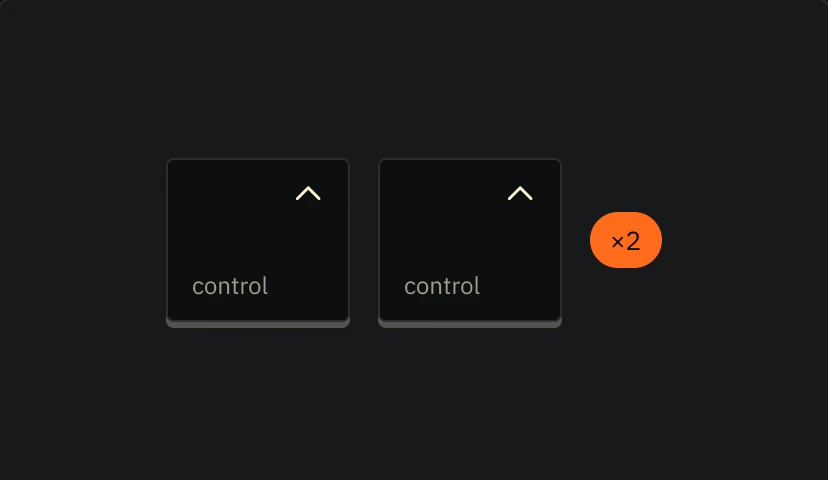
03 Keyboard
Tap Control twice from any app and start typing.
From your first Mac to your hundredth pull request, Duo fits around the way you already work.
 Developers
›Line 201 is missing a semicolon.
 Writers and analysts
›About 340 million people, not 200.
 Founders and operators
›Your offsite is Jan 26 to 28.
 Busy professionals
›Reply to Esteban: yes, it was 200.
 New to computers
›Show me how to attach a file.
 Students
›What does this loop do?
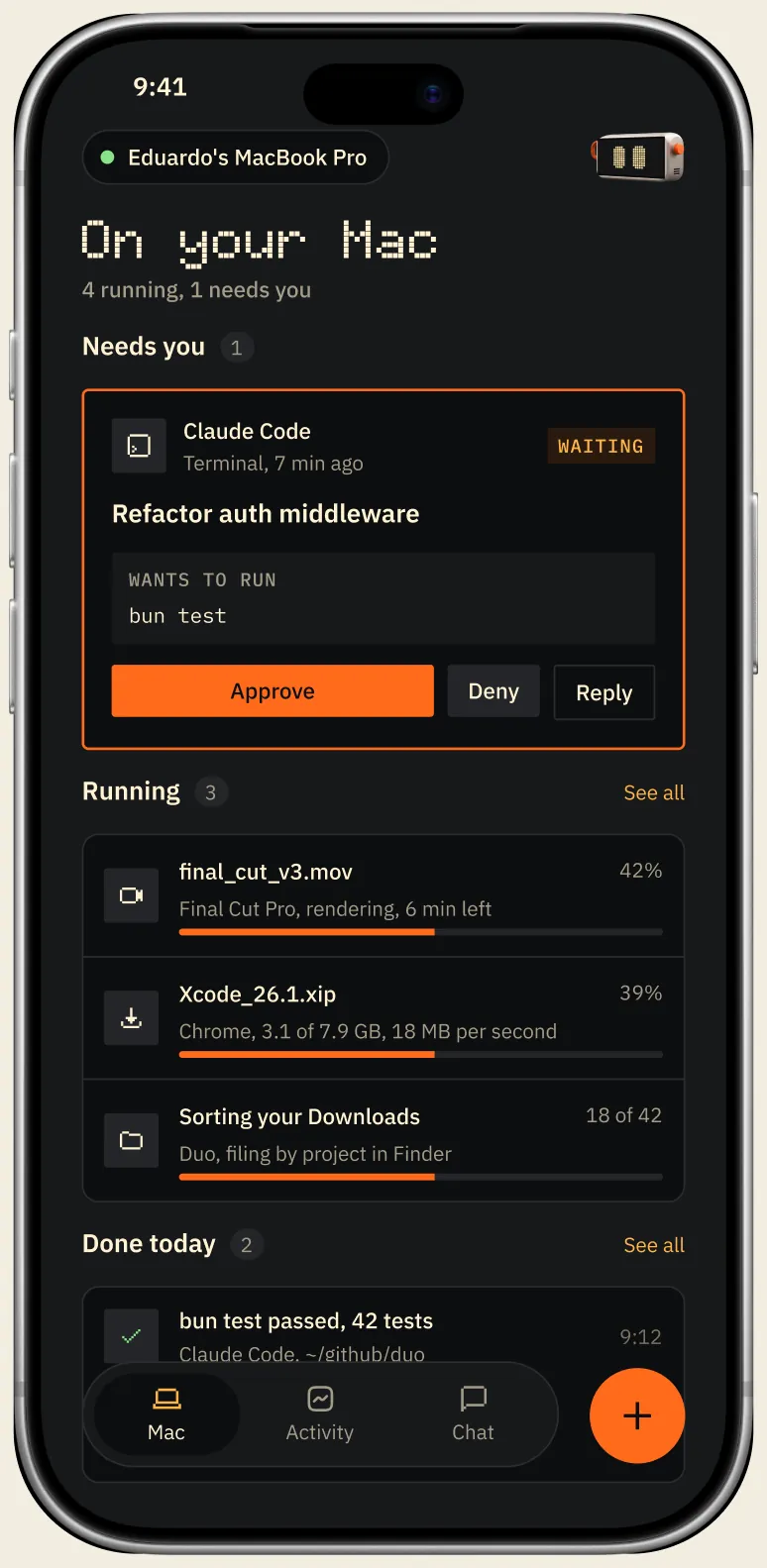
Sidecar shows what is running on your Mac, from coding agent sessions to renders and downloads, and lets you answer or start a request from your phone. Or stand it next to your keyboard and give Duo a screen of its own.
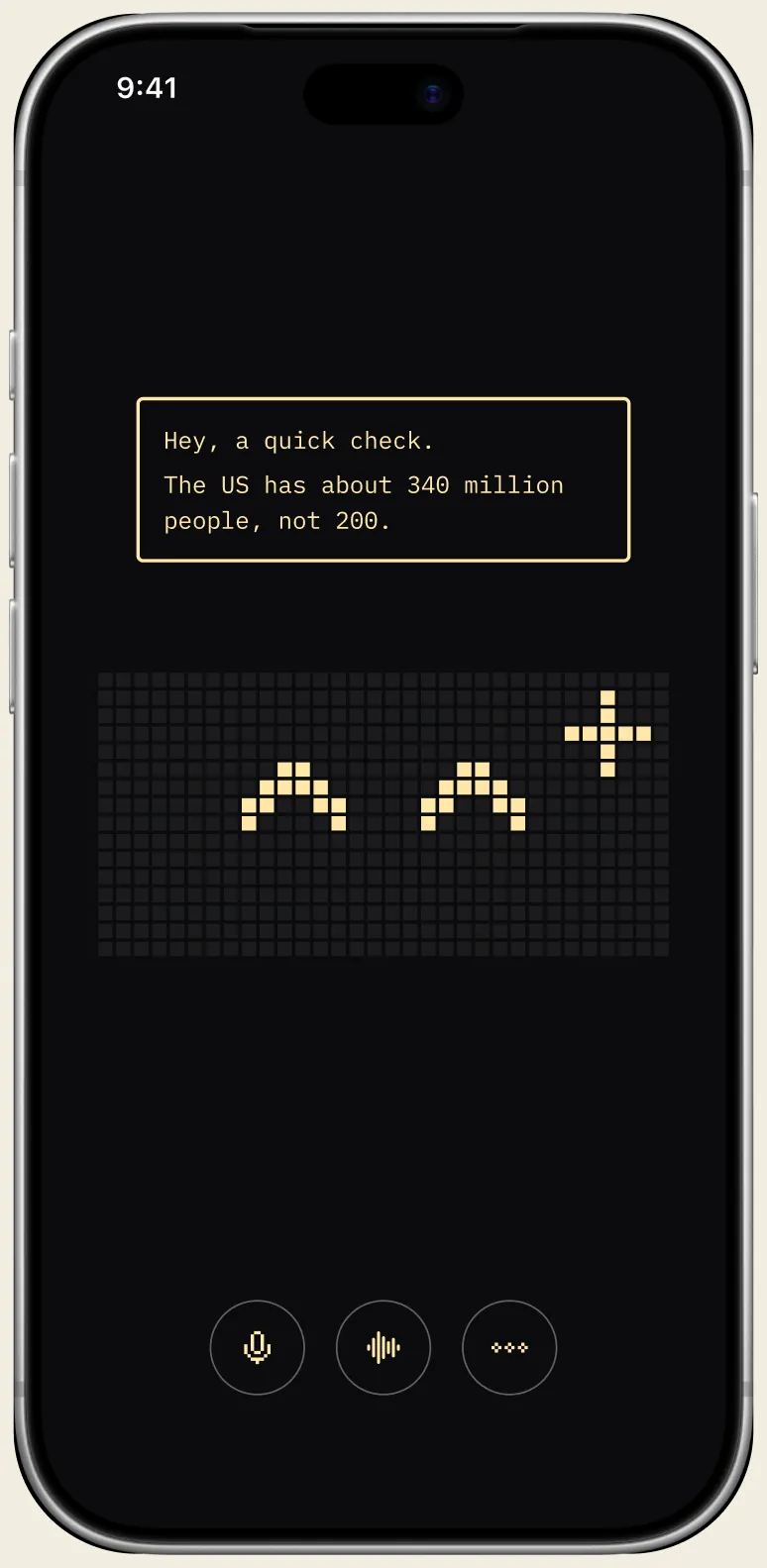
Pick a theme inspired by the software and hardware we grew up with. Every theme restyles chats, suggestions and the screen on the avatar.
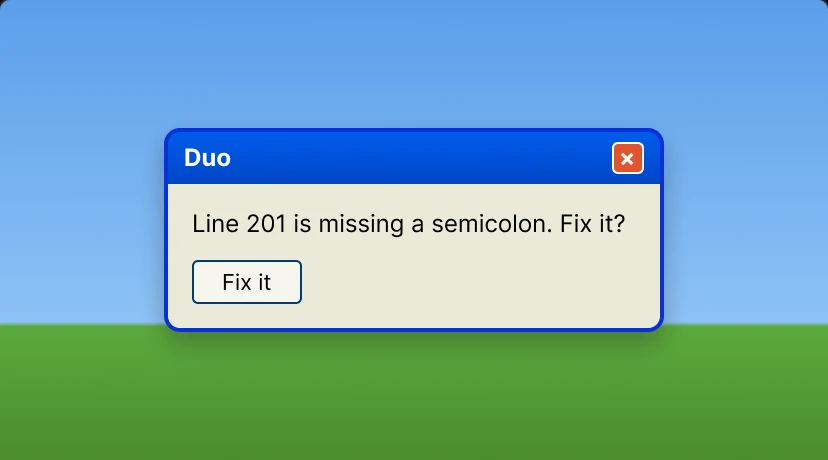
Windows XPLuna title bar, Tahoma
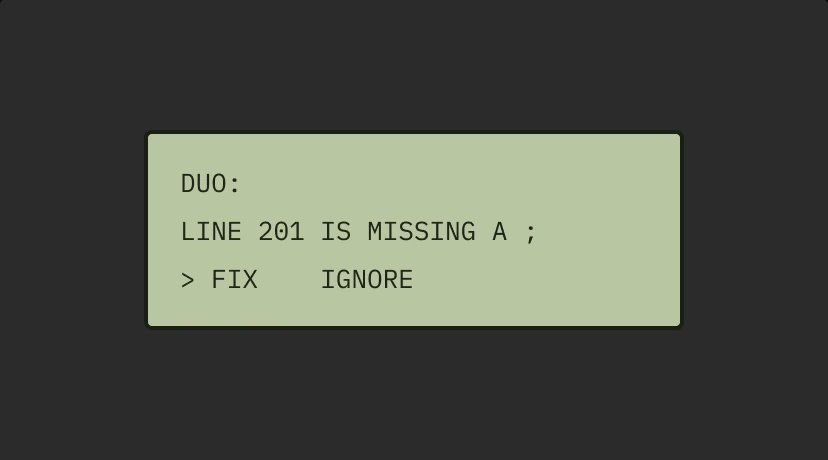
Texas InstrumentsGreen LCD, VT323
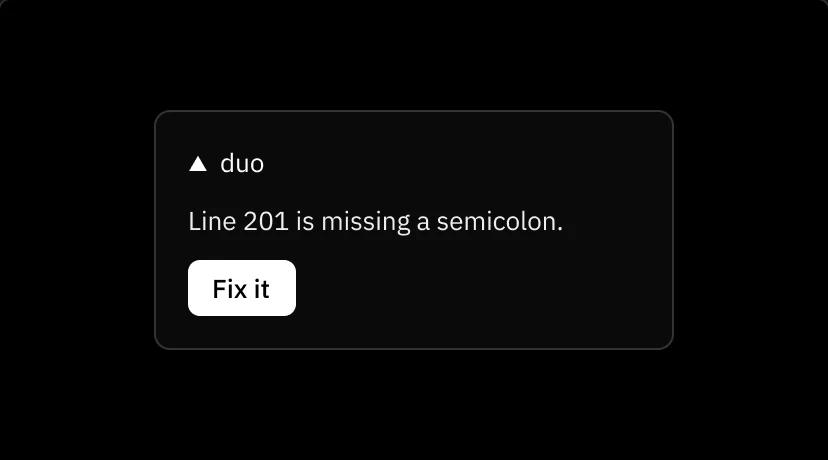
VercelGeist, one blue
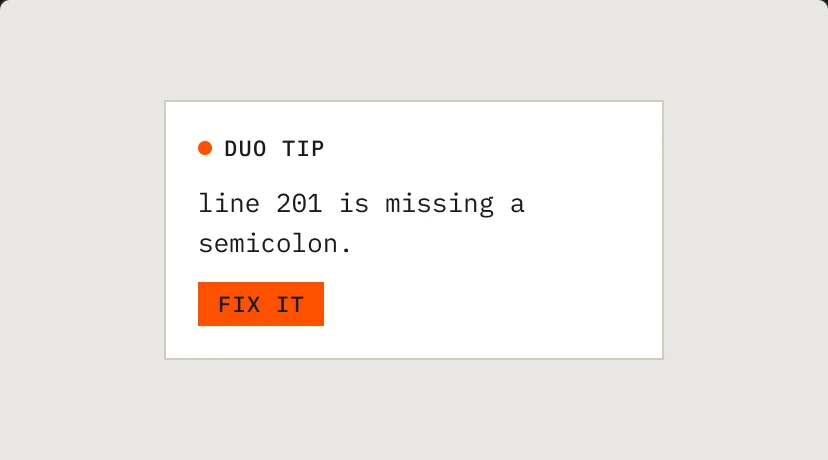
FieldInspired by Teenage Engineering
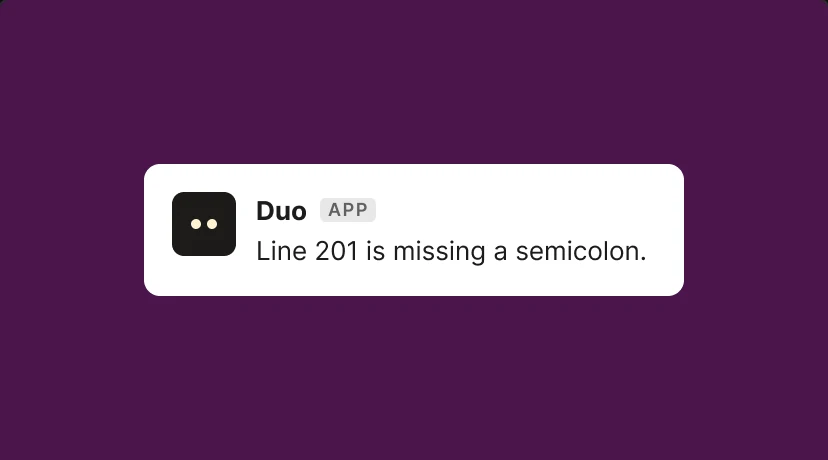
SlackAubergine, Lato

GumroadSquare corners, hard shadows
Duo uses the cloud when you sign in, so it is quick and capable from the first minute. It never captures password managers or secure fields, and strips keys, passwords and card numbers from the screen text it checks and the memories it keeps. Want every answer to come from your Mac? Switch to small open models like Gemma and Duo keeps working offline.
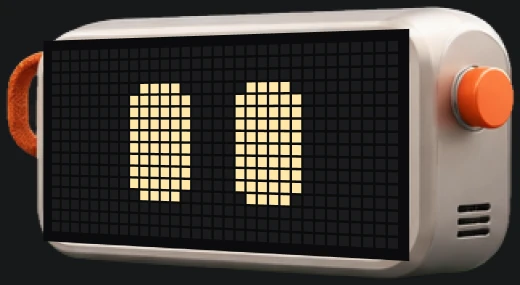
Sign in to use the cloud, or have every answer come from your Mac without an account. Both cost nothing during the beta.
$0During the beta
For everyday questions and tasks, with fast cloud models and your Duo account.
Join the beta$0Always
For when you want every answer to come from your own Mac.
How privacy worksAnything else? Ask Duo. Or write to us and a human will answer.
Yes. Choose On your Mac in Settings and Duo answers with a small open model like Gemma, through Ollama, without a connection.
Your conversations, memories and learned actions are stored on your Mac. Duo never captures password managers or secure fields, and strips secrets like keys and card numbers from the memories it keeps. When you use the cloud, your message and the few memories that matter to it go with it. The privacy policy has every detail.
Macs with Apple silicon on macOS 14 or later.
Ghost mode works in the background through app scripts and accessibility, so your cursor and focus stay yours. Show mode moves an orange Duo cursor on screen so you can watch, and learn, each step. Duo uses it when you ask how to do something, or when an app can only be worked by looking.
Click the avatar in the corner, press Control twice, or say hey duo.
Sidecar pairs your iPhone with Duo on your Mac. Follow what is running, answer it and start new requests from your phone, or use it as a side screen for Duo’s face.
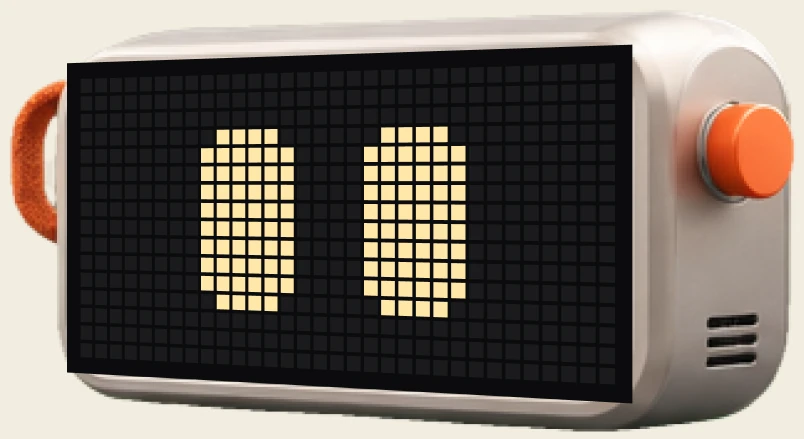
Say hey to Duo
Free during the beta. The cloud when you sign in, offline when you want.